In October 2026, Dino-GSP improves solid-geometry authoring, interactive classroom presentations, and teaching resource discovery. Mathematics teachers and curriculum teams can use master styles to keep diagrams consistent, fixed views to control export composition, and directories and tags to find reusable lesson materials.
This month's updates at a glance
- 3D styles and exports: master and style configuration, plus fixed 3D export and presentation views with camera angle, projection, viewport size, and cropping controls.
- Interactive presentations: click events for any graphical element, color animations for graphical and UI elements, and improvements to presentation navigation, interface, and fullscreen controls.
- Spatial construction and editing: drag handles for free objects and free points, cuboid, midpoint, and angle tools, improved polygon–solid intersection calculations, and selection of overlapping objects.
- Teaching resource library: directory browsing, tag search, multiple-tag filters, and simpler question-upload options.
- AI, SDK, and reliability: better access to canvas state and 3D cameras, sharing for canvases containing images, and fixes for dragging, undo, import/export, and rendering.
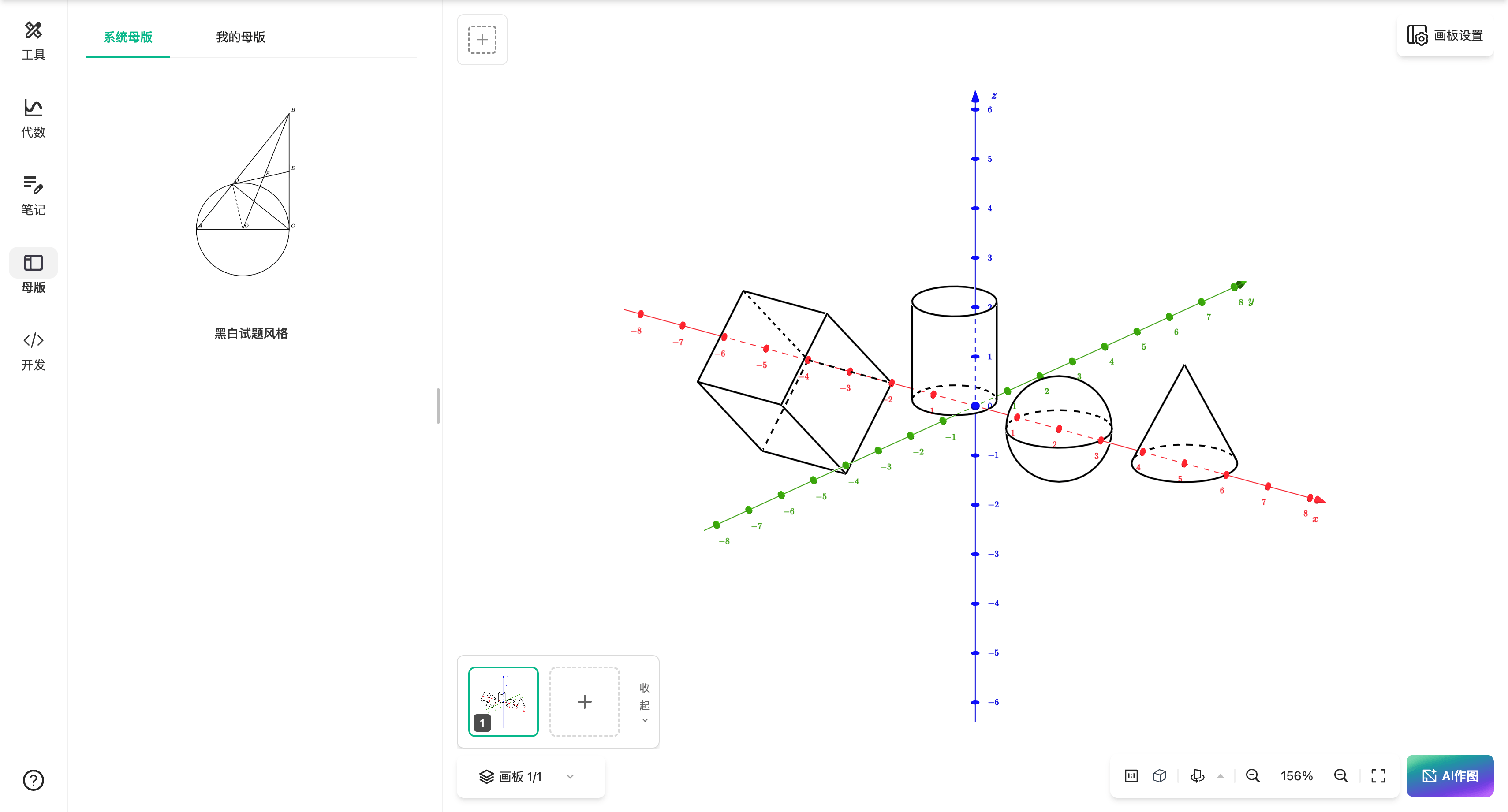
3D master styles and fixed views: consistent diagrams and controlled composition
Repeatedly adjusting line and label styles takes time when preparing a series of solid-geometry diagrams. This update improves master and style configuration for 3D content, so teachers can establish a visual style and reuse it in later work. Curriculum teams can follow a shared style for courseware and handouts.
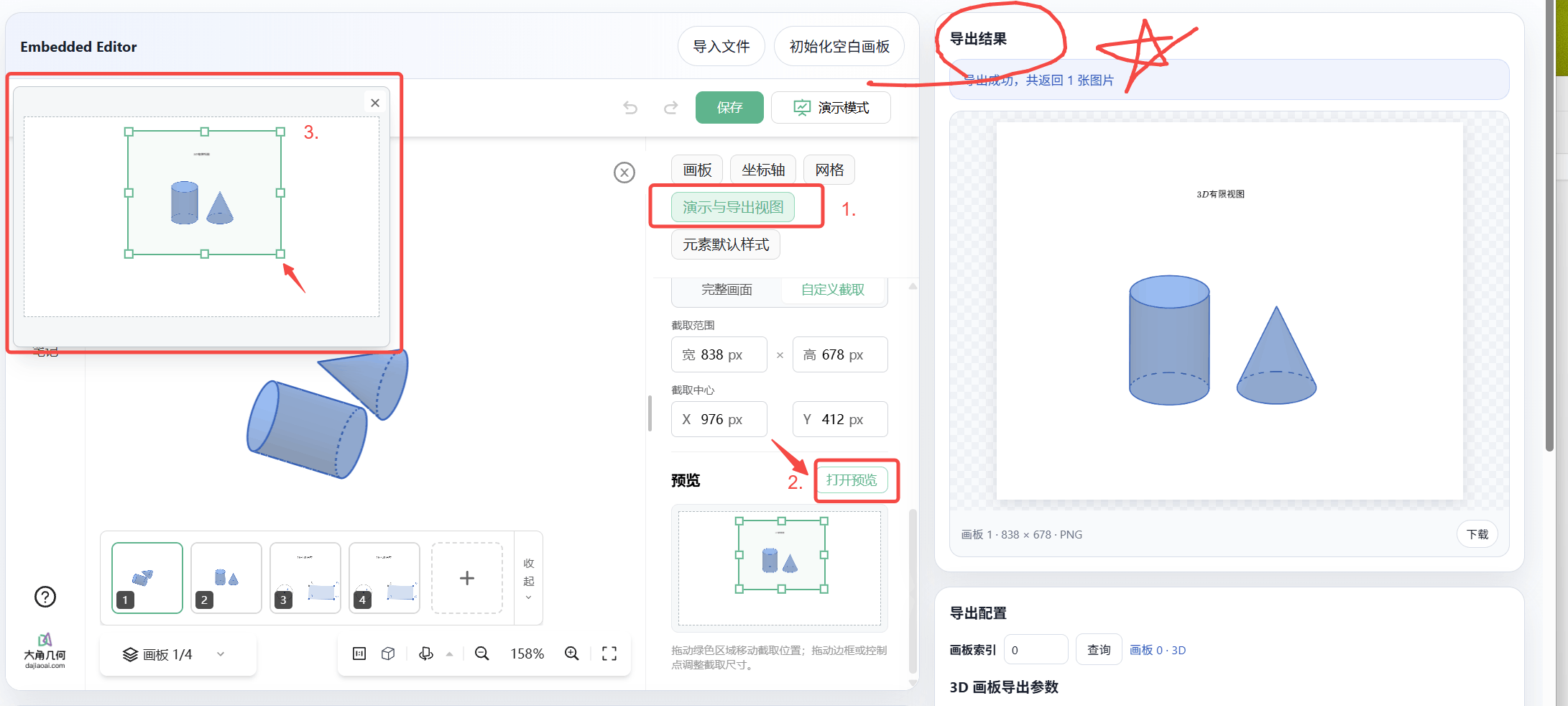
New fixed 3D export and presentation views support camera angle, projection, viewport size, and crop settings. Key segments may overlap from one angle; choosing a suitable viewing direction and frame helps make relationships among points, lines, and planes easier to see.
For handouts, set an export frame that fits the final layout. For classroom presentations, choose a direction that supports the explanation. Master styles control appearance, while fixed views control composition, reducing repeated adjustments before export or class.
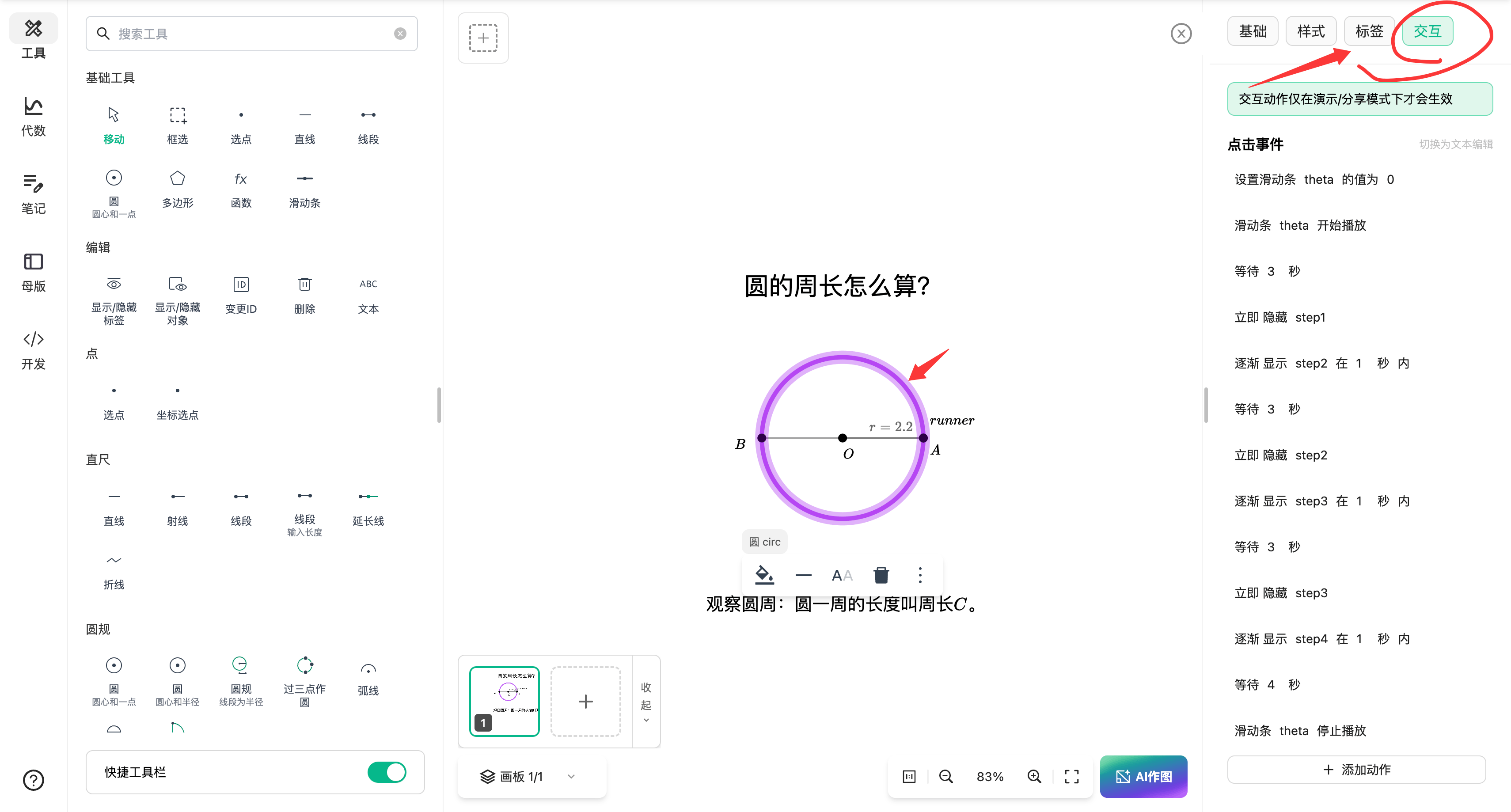
Click events and color animations: highlight objects as the lesson progresses
Any graphical element can now have a click event, and both graphical and UI elements support color animations. Teachers can make an element a clickable entry point and use color changes to highlight the object under discussion. For example, highlight a plane or line as it is introduced, then explain its spatial relationships using the diagram.
The presentation interface, navigation, and fullscreen controls have also been improved to make switching content and explaining a construction easier in class.
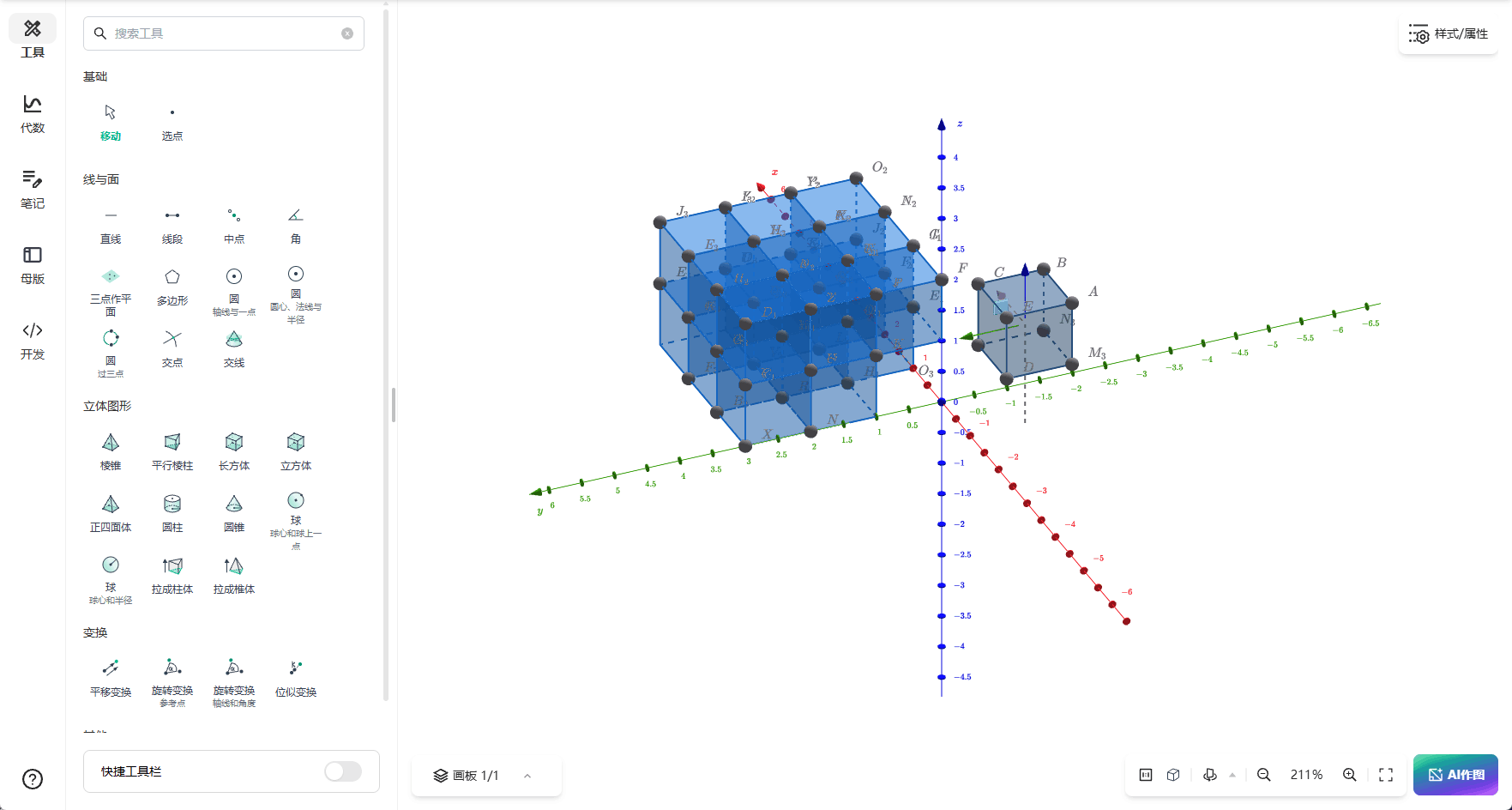
Free objects and construction tools: easier spatial adjustments
Solid-geometry authoring supports free objects, and both free objects and free points can be adjusted with drag handles. Creators can observe the result while positioning objects in space.
Cuboid, midpoint, and angle tools extend common constructions, and polygon–solid intersection calculations have been refined. In complex diagrams, the context menu's new overlapping-object selection helps locate obscured or overlapping elements with less trial and error.
Teaching resource library: directories, tag search, and multiple-tag filters
This month's library update focuses on finding and organizing resources. When you know the relevant category, browse a directory first to narrow the range of lesson materials.
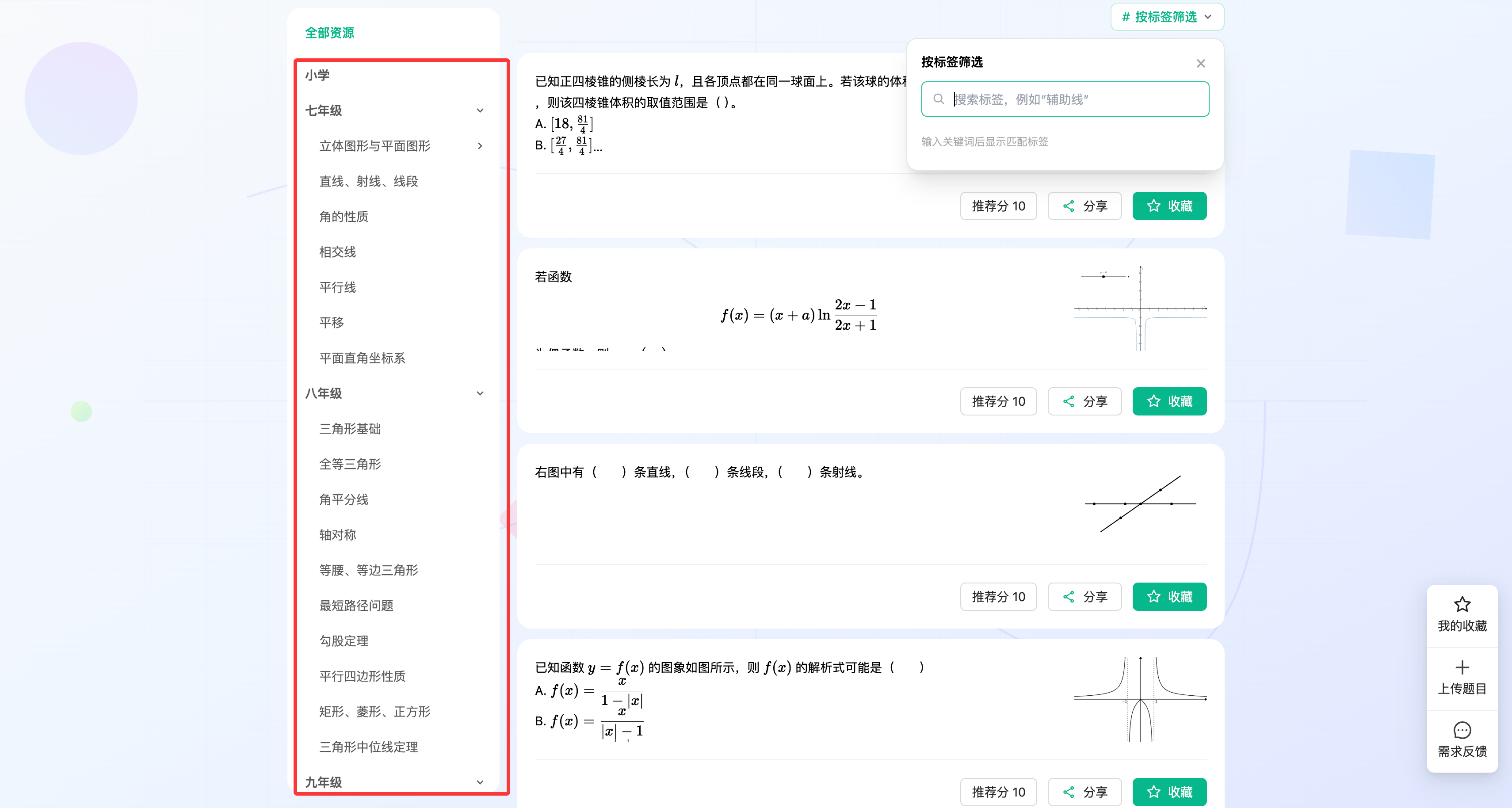
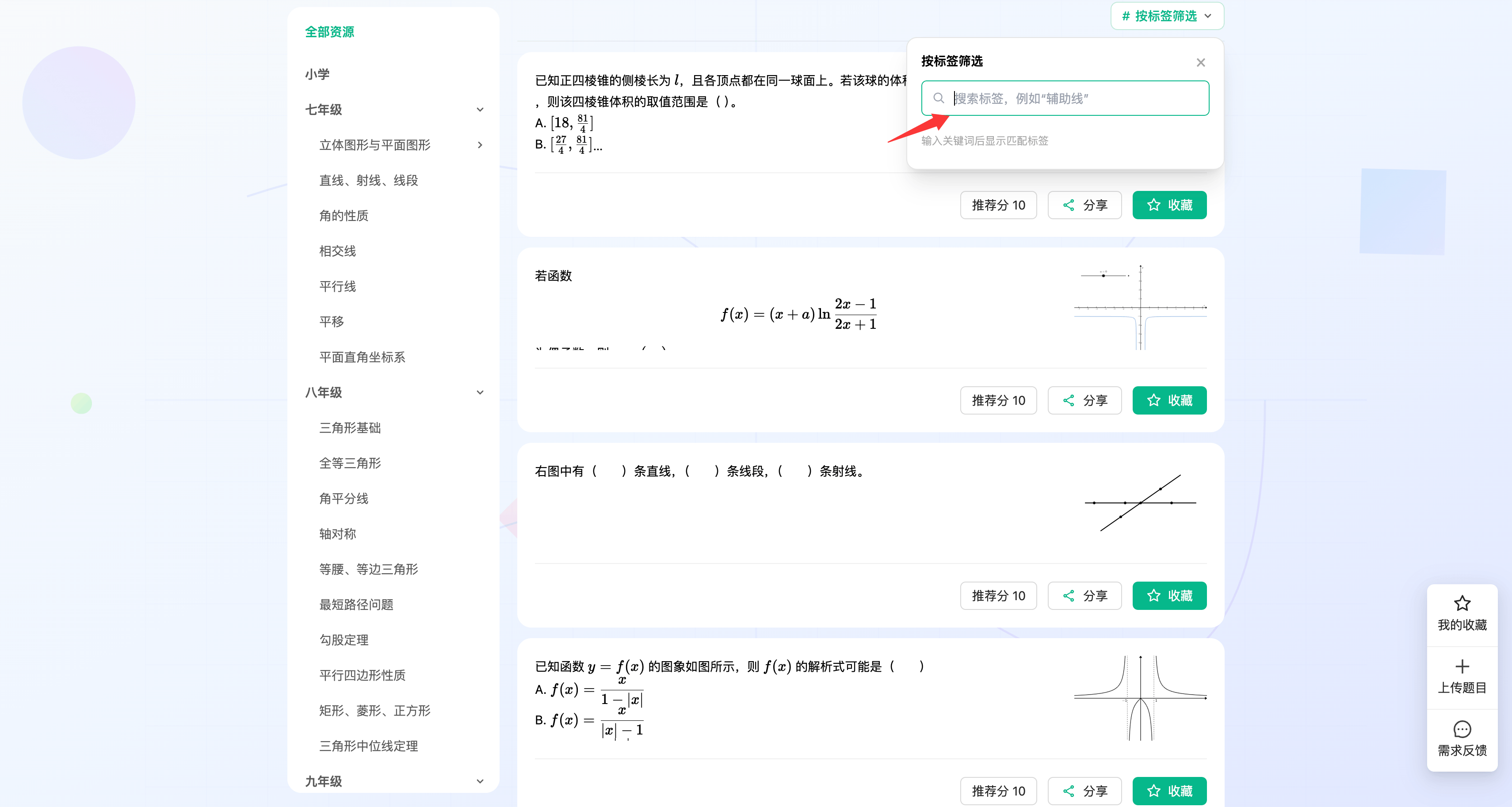
The library also supports tag search and multiple-tag filters. If a directory still contains many resources, combine tags to narrow the candidates and reduce the need to inspect each item individually.
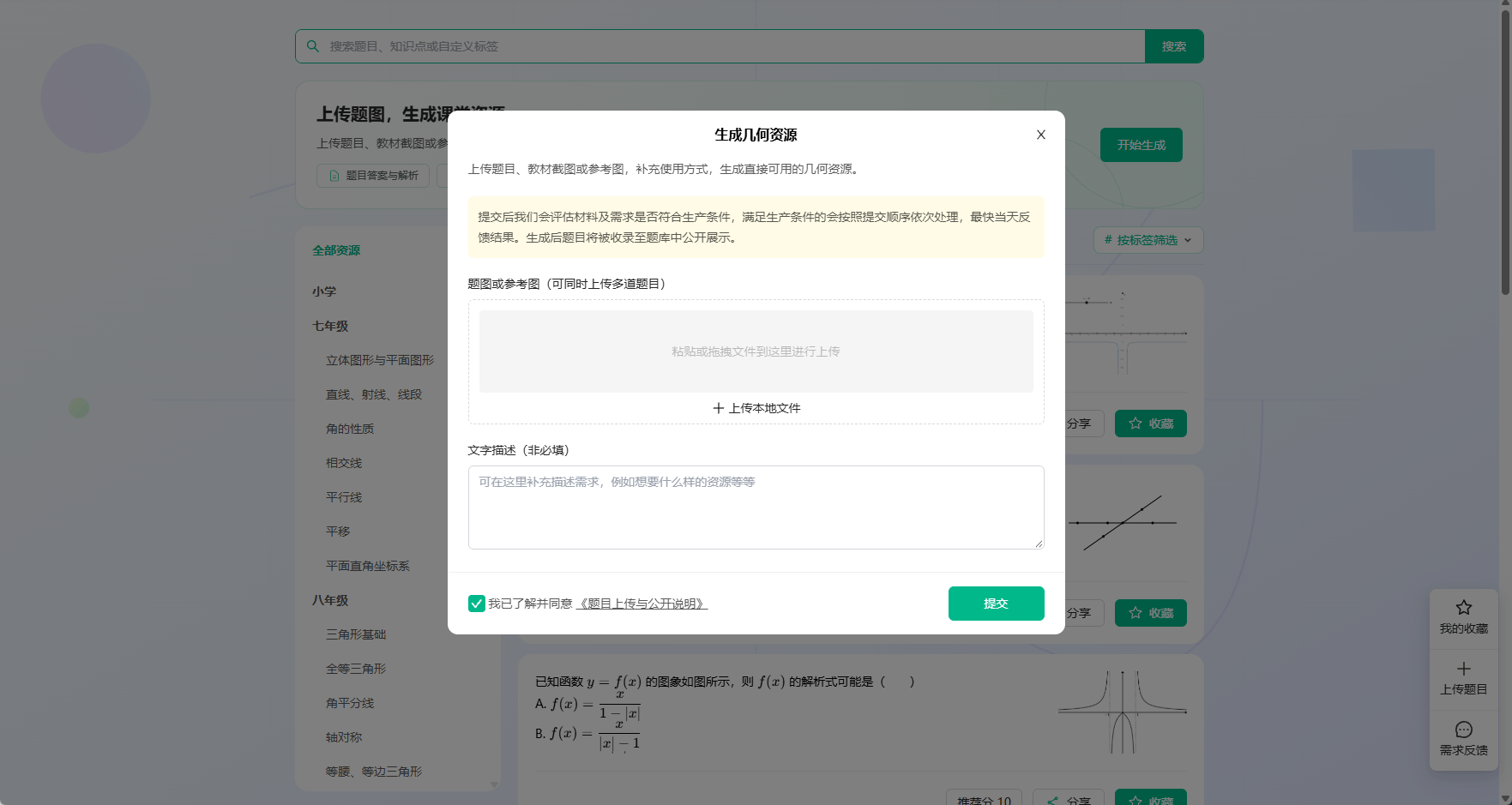
Question-upload options have been simplified as well, making it easier to keep organizing teaching resources and find them again during future lesson preparation.
AI drawing, SDK, and everyday improvements
- AI drawing: reads the current canvas, 2D view, and 3D camera configuration to draw with the canvas state in context. AI conversations also support requests by model tier.
- SDK: adds REPL command execution and the ability to read and set the 3D view camera.
- Sharing and fixes: enables sharing canvases containing images and fixes issues with dragging, undo, import/export, and rendering.
Try the update in your next lesson
For solid-geometry handouts, start with master styles, then use a fixed view to set the export angle and frame. For classroom demonstrations, add click interactions to key elements and use color animations to guide observation. To find materials, browse directories and narrow the results with tag search and multiple-tag filters.
Open Dino-GSP to try the October 2026 update. You can also revisit the September 2026 release notes or browse all Dino-GSP updates.