Dino-GSP, also known as 大角几何, has officially released version 2.6.0.
This update continues a clear direction: geometry drawing should not stop at producing a static diagram. It should help teachers explain a process, let products embed professional geometry capabilities, enter AI workflows, and become reusable mathematical content.
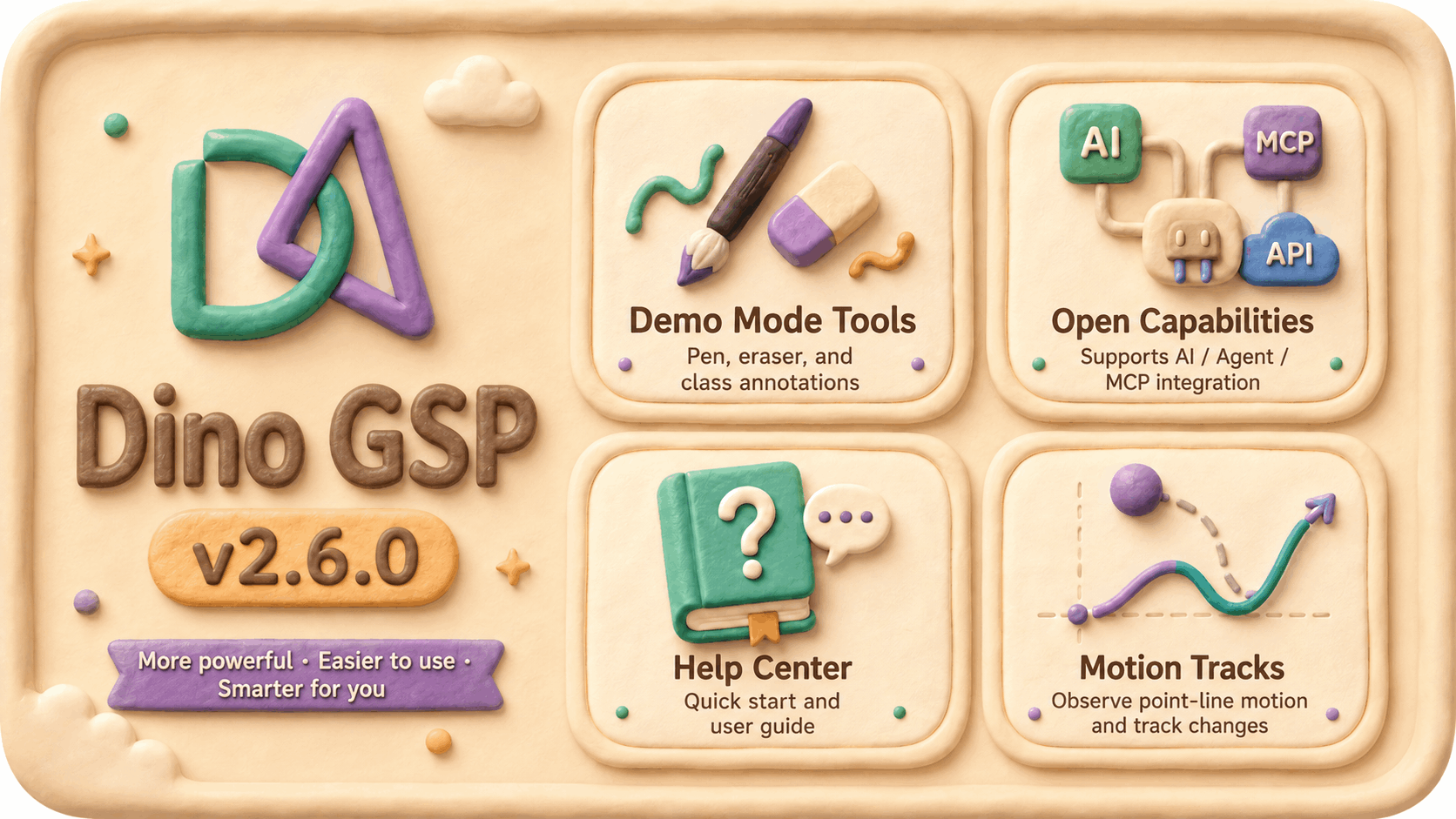
Version 2.6.0 focuses on four areas:
- Presentation mode tools for classroom explanation and content demos
- Open capabilities for developers, AI Agents, and education products
- Help center improvements for new users and long-term learning
- Motion traces for dynamic geometry exploration
For teachers, the update makes classroom explanation smoother. For curriculum and content teams, it makes geometry assets easier to create and reuse. For developers and AI product teams, it makes Dino-GSP easier to place inside product and Agent workflows.
Presentation mode tools: explain geometry as a process
Geometry teaching is never just about finishing a diagram.
In real lessons, teachers need to annotate while speaking, drag points while observing relationships, erase temporary marks, and emphasize why an auxiliary line was added or why two angles are equal.
That is why Dino-GSP 2.6.0 introduces new presentation mode tools. This release adds pen, eraser, partial erase, polygon erase, toolbar UI, and brand watermark support, while continuing to refine strokes, colors, pointer behavior, and tool states.
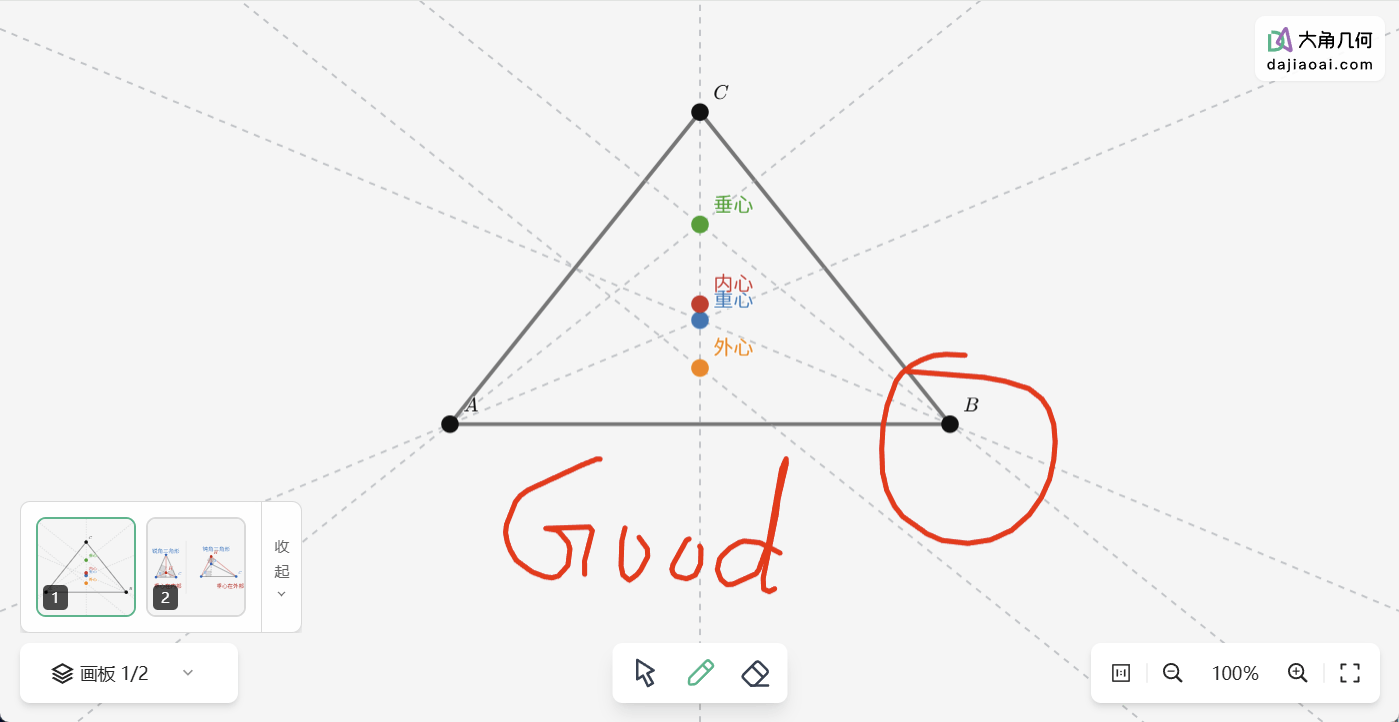
These tools fit common teaching and content workflows:
- Teachers can temporarily highlight key segments, angles, and auxiliary lines during class
- Curriculum teams can mark proof paths directly on geometry diagrams while recording explanations
- Product teams can embed dynamic geometry into courseware, live lessons, or AI explanation pages with more natural demonstration interactions
- Content teams can keep the original geometry objects intact while adding visual annotations for problem explanations
A geometry diagram can be accurate, but in the classroom the most valuable moment is often the few seconds when the figure unfolds: a teacher circles an angle, drags a point, removes extra marks, and brings attention back to the invariant relationship.
The new presentation workflow is designed to make that process lighter and smoother.
Open capability upgrades: more product and Agent workflows
Dino-GSP is not only an online geometry editor. It is also becoming a geometry capability that external products, AI Agents, and education systems can call.
In this release, we continued improving open capabilities, especially tool calling, session management, and execution reliability for AI assistants. The new MCP Server capability is now taking shape and can support complex tasks more stably.
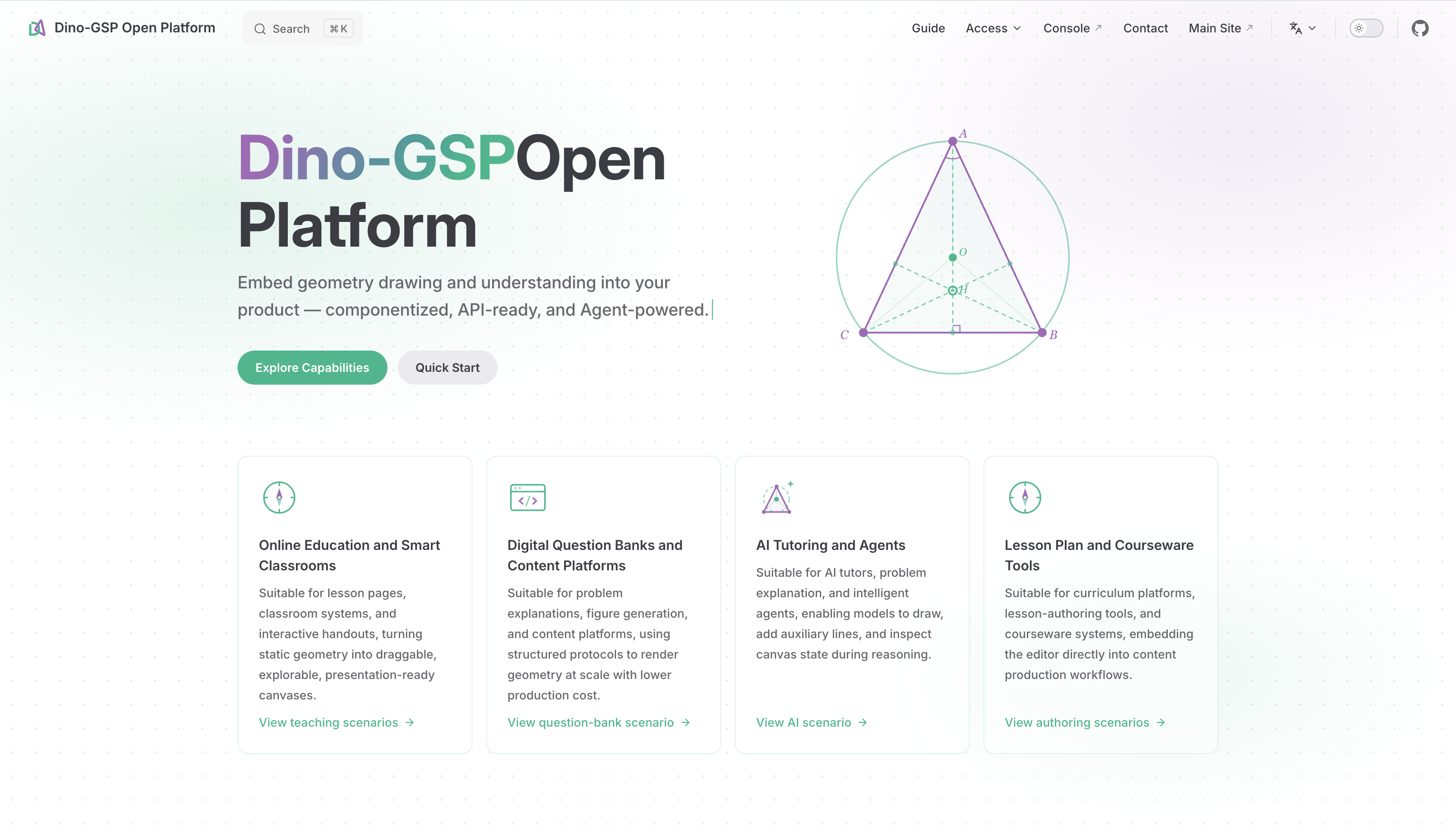
This means AI clients that support MCP can use Dino-GSP as a geometry construction tool. Instead of only saying "connect points A and D" in text, an AI assistant can create points, lines, circles, labels, traces, and presentation objects, then export images or save projects.
For AI math products, the change is direct: AI can move from explaining steps in text to turning those steps into visual geometry content.
For example:
Draw triangle ABC, construct its three medians, mark centroid G, and export an image for a handout.
Or:
Create a dynamic project for the inscribed angle theorem, keep angle observations while a point moves on the circle, and output an editable project.
These tasks are not just single drawing actions. They require a complete chain: understanding the request, constructing geometry objects, organizing dynamic relationships, exporting images, saving projects, and enabling reuse.
Embedding scenarios are also more complete in this release. Dino-GSP now supports loading, editing, and saving work in embedded contexts, with fuller access control and interface configuration.
For education product teams, this matters. Geometry capabilities appear in problem editors, solution pages, interactive courseware, curriculum asset libraries, AI solution reports, and student practice flows. Each scenario needs stable loading, clear permissions, controlled UI, and reusable data.
Open capabilities are meant to bring geometry into those real workflows with less friction.
Help center improvements: from opening the tool to using it well
A professional tool cannot rely on features alone.
When new users open Dino-GSP, they may want to know how to draw a triangle quickly, construct a perpendicular line or angle bisector, create a midpoint or trace, save and share work, embed a project, or find help when a construction does not behave as expected.
This release continues improving the community, help center, and account system. It adds a help center, quick start content, community profile pages, post search, and referral campaign support.
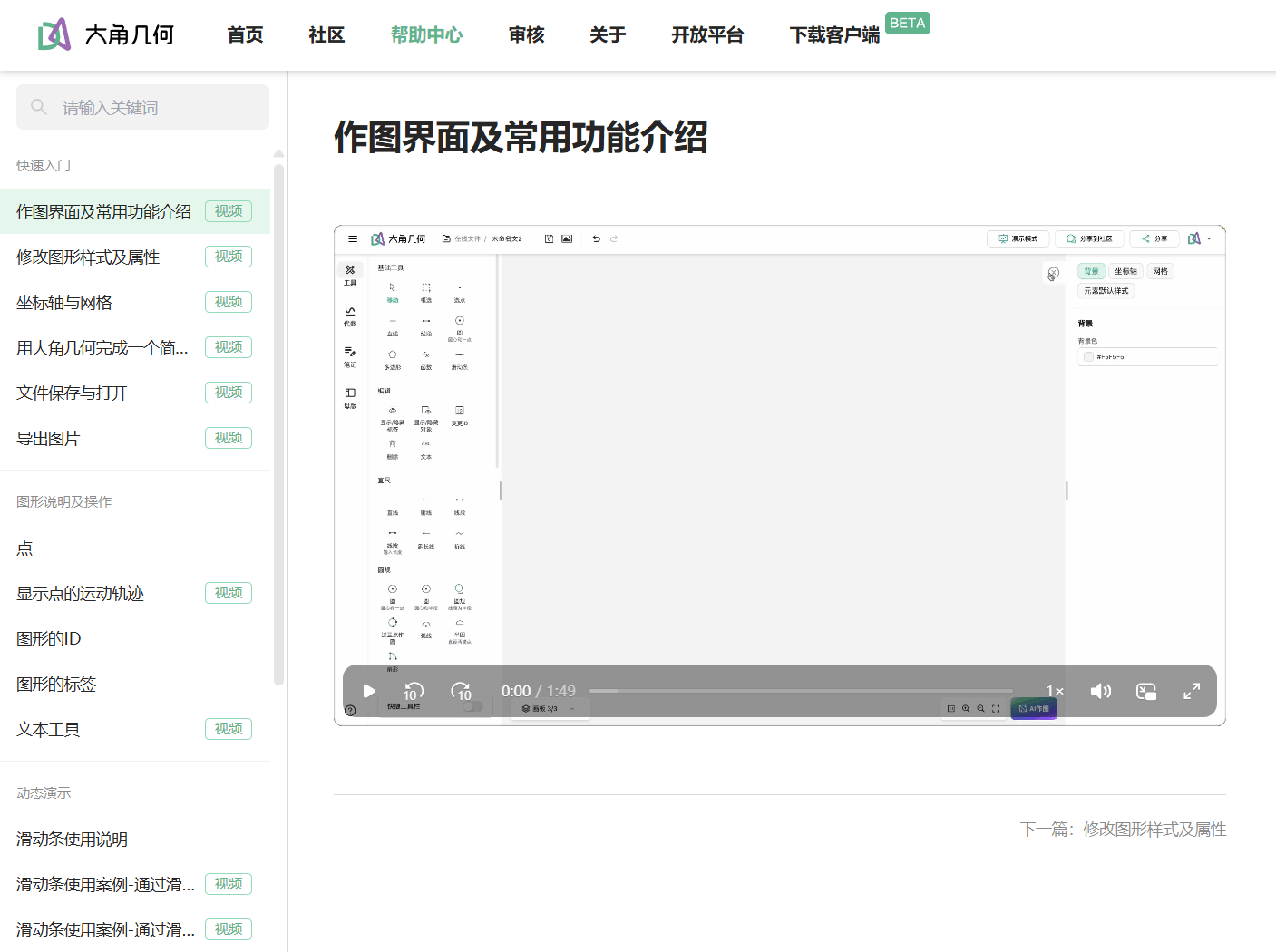
The help center is more than a place to put documentation.
It gives users a path from first use to confident use: finding common tools, understanding dynamic geometry concepts, and applying diagrams in classes, handouts, problem banks, community sharing, or product integrations.
For teachers, this reduces exploration cost. For students, quick start materials lower the first-use barrier.
We want Dino-GSP to be not only a powerful tool, but also a geometry creation environment that users can keep learning, using, and building on.
Motion traces: help students see how figures change
One of the core values of dynamic geometry is that students can see change.
When one point moves, what path does another point follow? When an endpoint of a segment changes, what trace does the midpoint leave? When a parameter changes, does an intersection point stay on the same curve?
Static diagrams make these questions hard to explain.
Dino-GSP 2.6.0 adds moving-point traces and supports motion traces for points and segments. Combined with dragging, sliders, and dynamic constructions, teachers can show changing geometric relationships more directly.
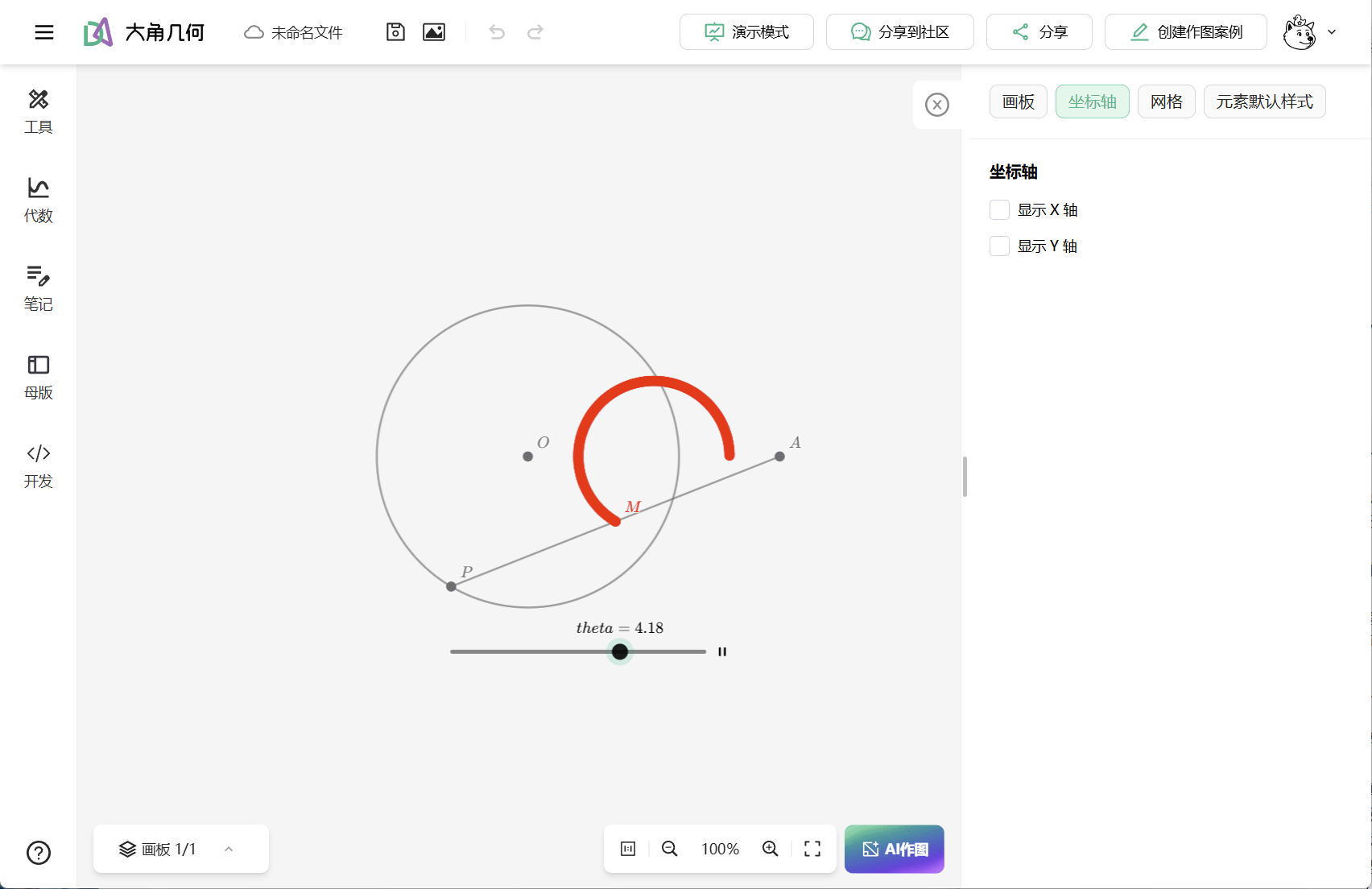
Motion traces are useful in lessons such as:
- Dragging vertices of a triangle to observe how the centroid, orthocenter, circumcenter, or incenter moves
- Moving a point on a circle to observe relationships among angles, chords, and tangents
- Changing segment endpoints to observe traces of midpoints, intersections, or projections
- Combining sliders with function graphs to show changing intersections between algebraic and geometric objects
- Letting students observe traces first, form conjectures, and then prove the result
Geometry learning should not stay in a state where the conclusion is already written down. A better learning process lets students see how objects move, how patterns appear, and how conjectures can be tested.
Motion traces are built for that process.
More improvements across the editor
Beyond the four major directions above, this release includes many improvements across the editor, geometry algebra capabilities, account points, file compatibility, and issue fixes.
The construction toolbar now supports search, the floating toolbar supports dragging, the home input supports image upload and paste, and the zoom control displays scale while limiting the zoom range.
For geometry and algebra, Dino-GSP adds the decide statement for checking whether a proposition holds, supports if else, Real comparison operators, and string equality checks, and adds definitions such as Line.distancePoint and Circle.isTangentLine.
On mobile and region construction, this release adds a mobile region construction tool and improves polygon and region marking interactions.
It also fixes issues around algebra syntax parsing, function tools, moving-point traces, slider labels, locked point dragging, perpendicular segment display, undo and redo, image export, local file opening, presentation tool states, community pages, and account displays.
Closing
The keywords for Dino-GSP 2.6.0 are presentation, openness, help, and dynamics.
Presentation mode makes geometry diagrams better for classroom explanation. Open capabilities bring geometry tools into products and Agent workflows. The help center lets users learn the tool faster. Motion traces make dynamic geometry show the patterns inside change.
We want Dino-GSP to serve a teacher's lesson, a curriculum team's reusable asset library, a student's exploration, and an AI Agent that needs professional geometry construction and export.
Try the latest version, and bring it into your classroom, content production, AI workflow, or education product.