NotePic for Obsidian has released version 1.2.0.
Many Obsidian users run into the same workflow problem:
- Screenshots, illustrations, and attachments are added to the Vault while writing
- NotePic uploads those images to OSS before publishing
- The Markdown image references are replaced with online URLs
- The original local image files still remain in the attachment folder
For a few notes, this is not a serious problem.
But if you use Obsidian to write articles, maintain a knowledge base, or sync the whole Vault through Git, local image leftovers gradually become real cost.
Markdown files are usually only a few KB. What makes a repository heavy is often screenshots, cover images, demos, and attachments that are no longer referenced by any note.
The heavier the Git repository becomes, the more clone, pull, push, backups, and multi-device sync are affected. When an Obsidian Vault accumulates more images over time, it becomes hard to remember which files are still referenced and which ones are only historical leftovers after upload.
That is why version 1.2.0 does not add another upload button. It makes local images visible, reviewable, and cleanable again.
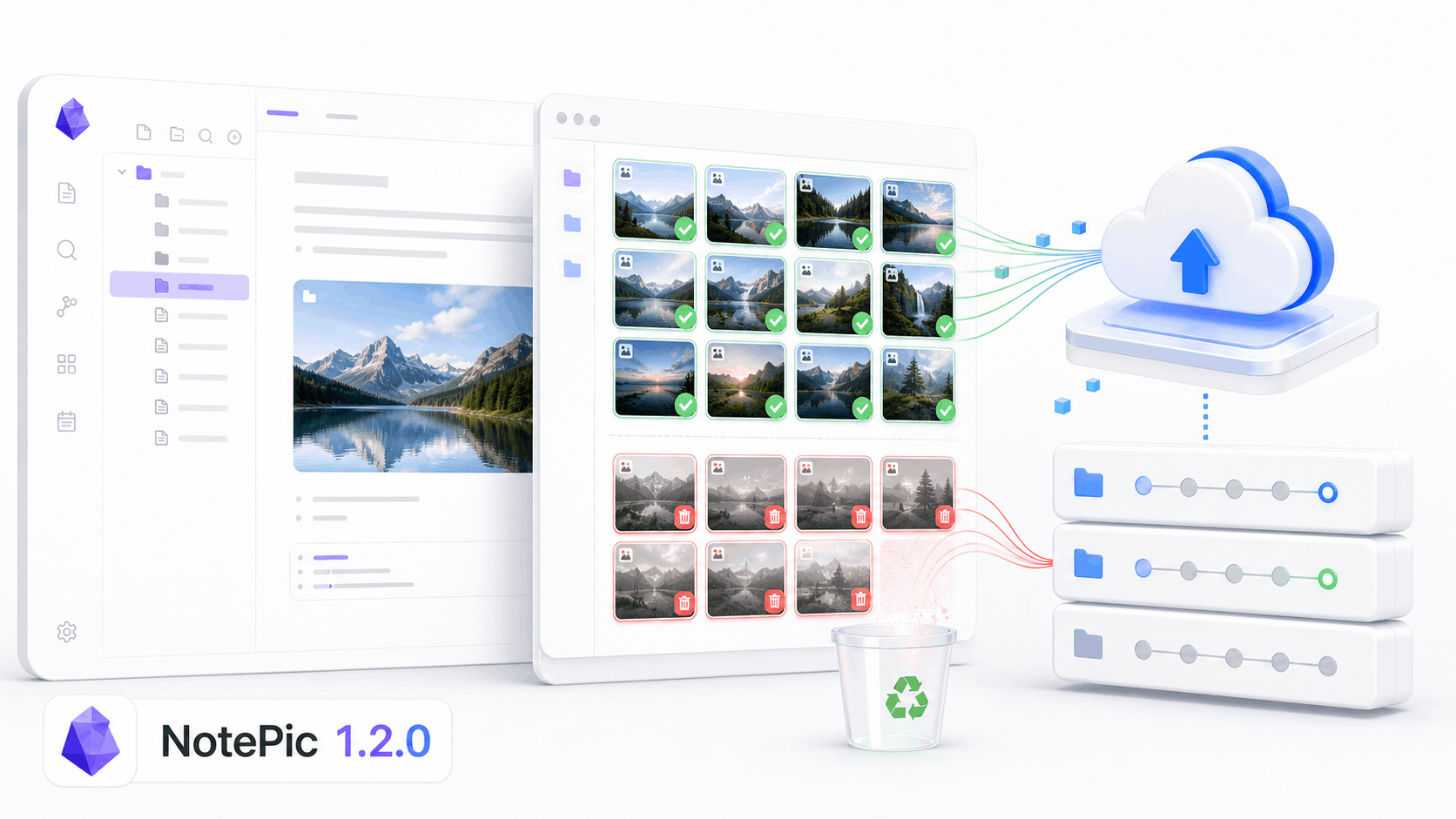
What is new in NotePic 1.2.0
NotePic 1.2.0 adds local image asset cleanup.
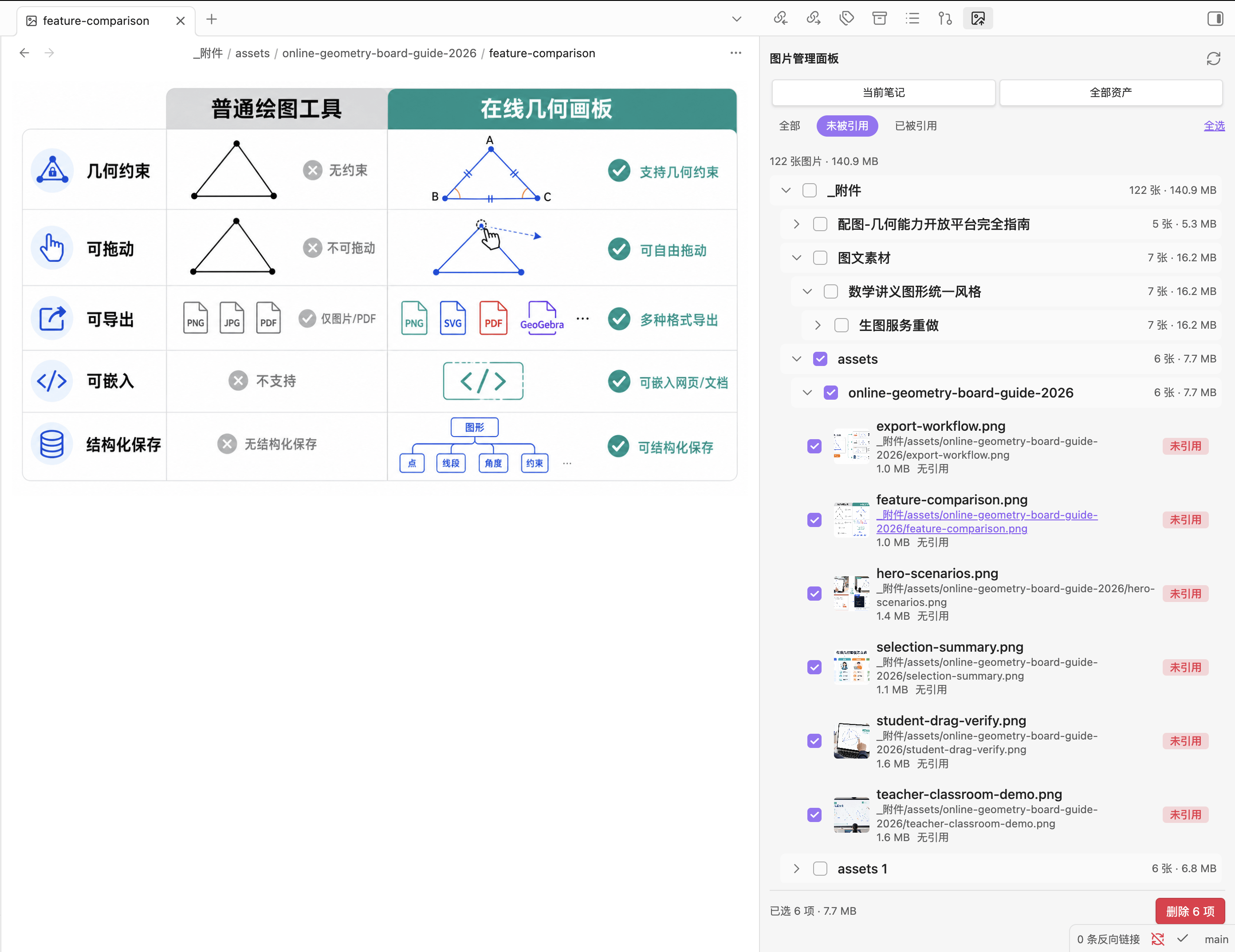
After this update, you can scan local images inside an Obsidian Vault and inspect whether they are still referenced by notes.
The feature covers these actions:
- Scan local image files in the Vault
- Separate referenced and unreferenced images
- Count image files and their total size
- Review image distribution by folder structure
- Select local images that are no longer needed
- Confirm before deletion
The goal is specific: after images have been uploaded to OSS and note references have been replaced with online URLs, you can safely find local image files that are no longer referenced by any note.
Why this matters for Git users
If your Obsidian Vault only stays on one local machine, extra images mainly cost disk space.
If you manage the Vault with Git, images enter a different problem space.
Git is excellent for Markdown notes. Text files are small, diffs are clear, history is traceable, and multi-device sync stays transparent.
Git is not designed for endlessly piling up image assets.
One screenshot can be larger than dozens of notes. Worse, deleting an image reference from a note does not always remove the attachment file. Over time, a repository can keep many files that are no longer used but are still tracked by Git.
This is where NotePic 1.2.0 helps: it connects cleanup to the workflow after uploading images to OSS.
A lighter publishing flow can look like this:
- Write normally in Obsidian
- Keep images local while writing
- Upload images to OSS with NotePic before publishing
- Confirm that note references have become online URLs
- Scan local images in the Vault
- Clean up images that are no longer referenced
- Commit to Git
After that, the Git repository mainly keeps notes and assets that still need to stay local, instead of many files that lost their reference relationship after upload.
Cleanup should be careful, not aggressive
Image cleanup should not be too aggressive.
"Unreferenced" does not always mean "safe to delete immediately."
Some images may not be referenced by the current Markdown files but are still useful as source material. Some may be used by special plugins, Canvas, HTML snippets, or another workflow. Some older articles may not have finished migration yet.
So the goal of NotePic 1.2.0 is not to encourage blind one-click deletion. Image cleanup is not about forcing a Vault to contain no local images. It is about helping you understand which images still need to remain local.
Closing
If you only read local notes, never publish, and do not sync through Git, you may not need this feature yet.
But if you already use NotePic to upload images, or if Obsidian attachment folders and Git repository size are becoming a problem, version 1.2.0 is worth upgrading to.
Main links:
- Website: NotePic-OSS
- Obsidian plugin release: NotePic-OSS-Obsidian v1.2.0
This feature comes from real usage and GitHub Issue feedback. If you run into special references, false positives, or plugin compatibility problems while cleaning local images, please continue to open issues.